
KALPA CAD · a product of FireCAD Technologies
Professional CAD that works natively in DWG.
KALPA CAD opens, edits and saves DWG and DXF drawings exactly as they were drawn, with the commands, command line and shortcuts CAD users already know. 2D drafting, 3D modelling, PDF publishing and team review in one program.
Download free editionRequest a Professional licenceOpen the web viewer
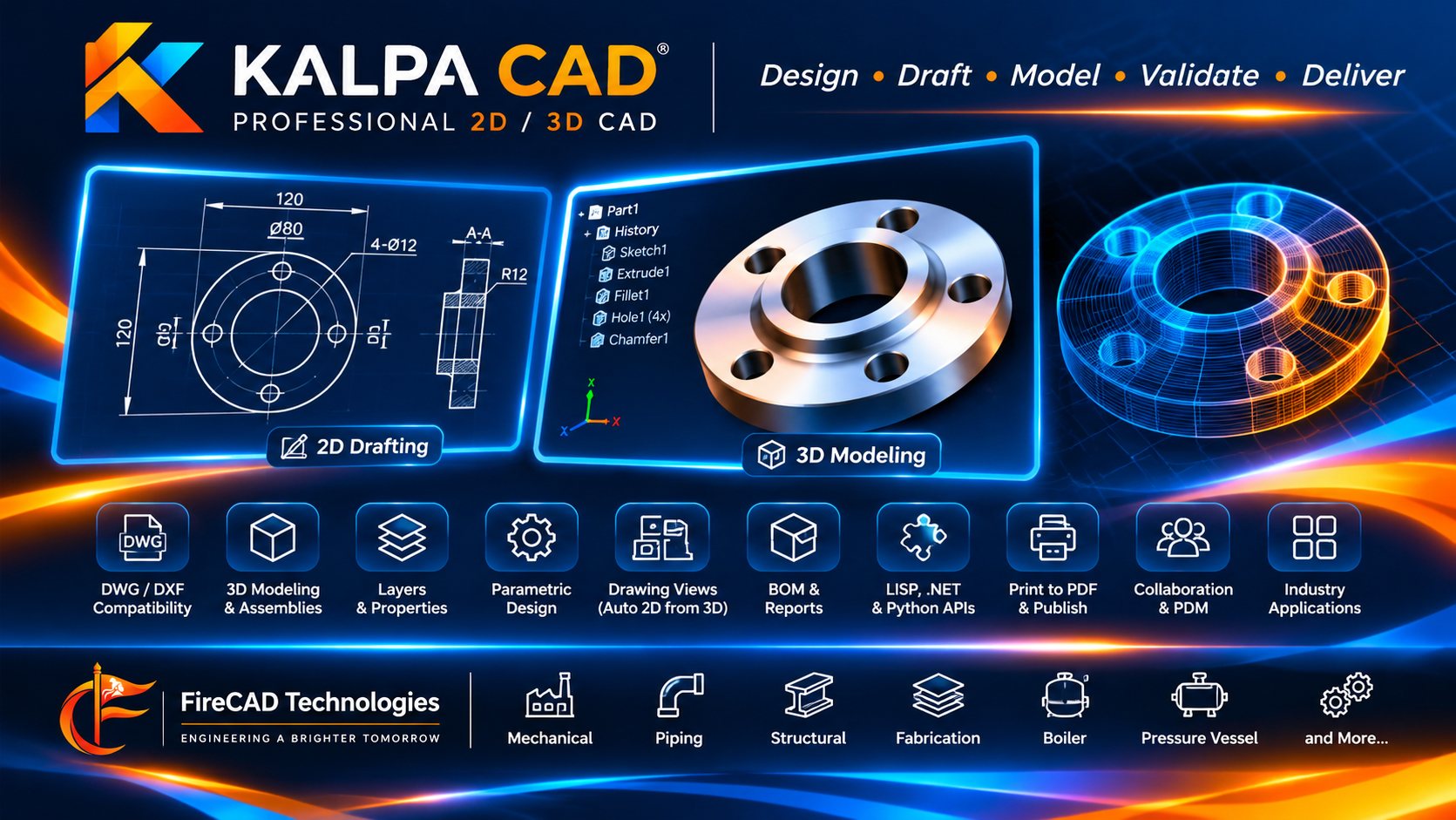
Design, draft, deliver. In DWG.
KALPA CAD is general-purpose CAD for any discipline: mechanical, plant, structural, civil and architectural. It reads and writes DWG and DXF natively, keeps every block, dimension, hatch and layout as drawn, and checks every save.
True to the drawing
Blocks and dynamic blocks, dimensions, hatches, xrefs, images and PDF underlays, SHX fonts, linetypes, layouts and viewports, plot styles, annotation scales and tables are drawn as their authors drew them.
Saves files others trust
Every save is read back and checked against the screen, and the previous file is kept as a backup. Before each release, the files KALPA saves are opened and audited in independent CAD software with 0 errors, and read by an independent DWG engine.
Commands you already know
Command line with aliases, prompts and options matching the leading DWG programs (over 99 % of their command options in our own measured comparison), grips, object snaps, tracking, dynamic input, ribbon or classic menus, dark or light theme.
2D and 3D in one program
Real 3D solids, built on the Open CASCADE kernel: box to loft, booleans, fillets, editable features, drawing views with sections and details that follow the model, STEP and IGES exchange.
Deliver
PDF sets with bookmarks and searchable text, PDF/A for archives, plot stamps and watermarks, sheet sets, transmittals.
Review and approve
Markups, revision compare with change lists, revision clouds, and a Draft, Checked, Approved, Released workflow with a tamper-evident log, also from a browser.
Open to automation
LISP routines run as they are (tested with 74 real routines from drafting offices), scripts, .NET add-ins, a Python package and a local automation API.
Fast on big drawings
A 234,000-object general-arrangement drawing opens in about 2 to 3 seconds and redraws in about 50 ms on a normal office PC.
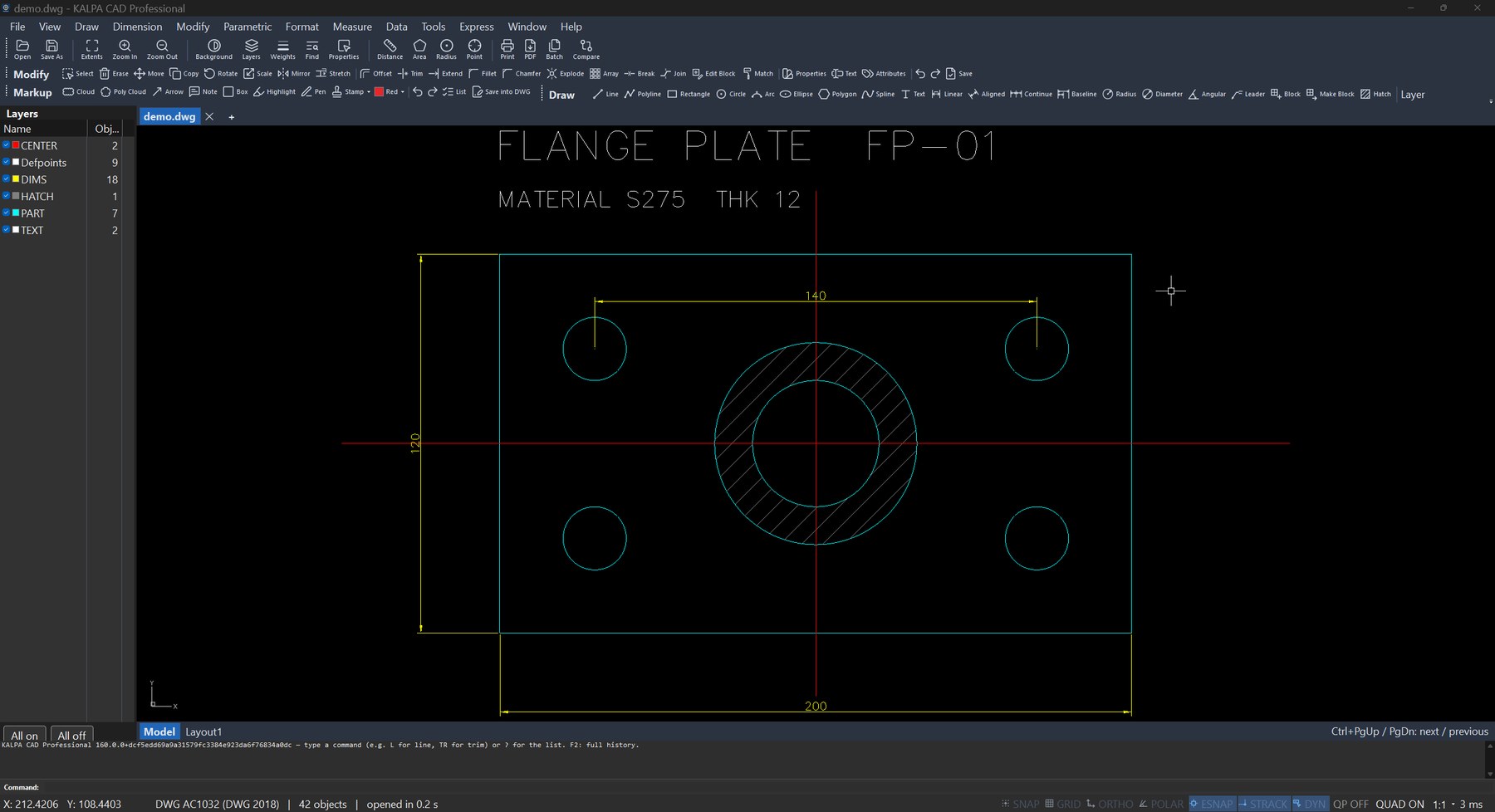
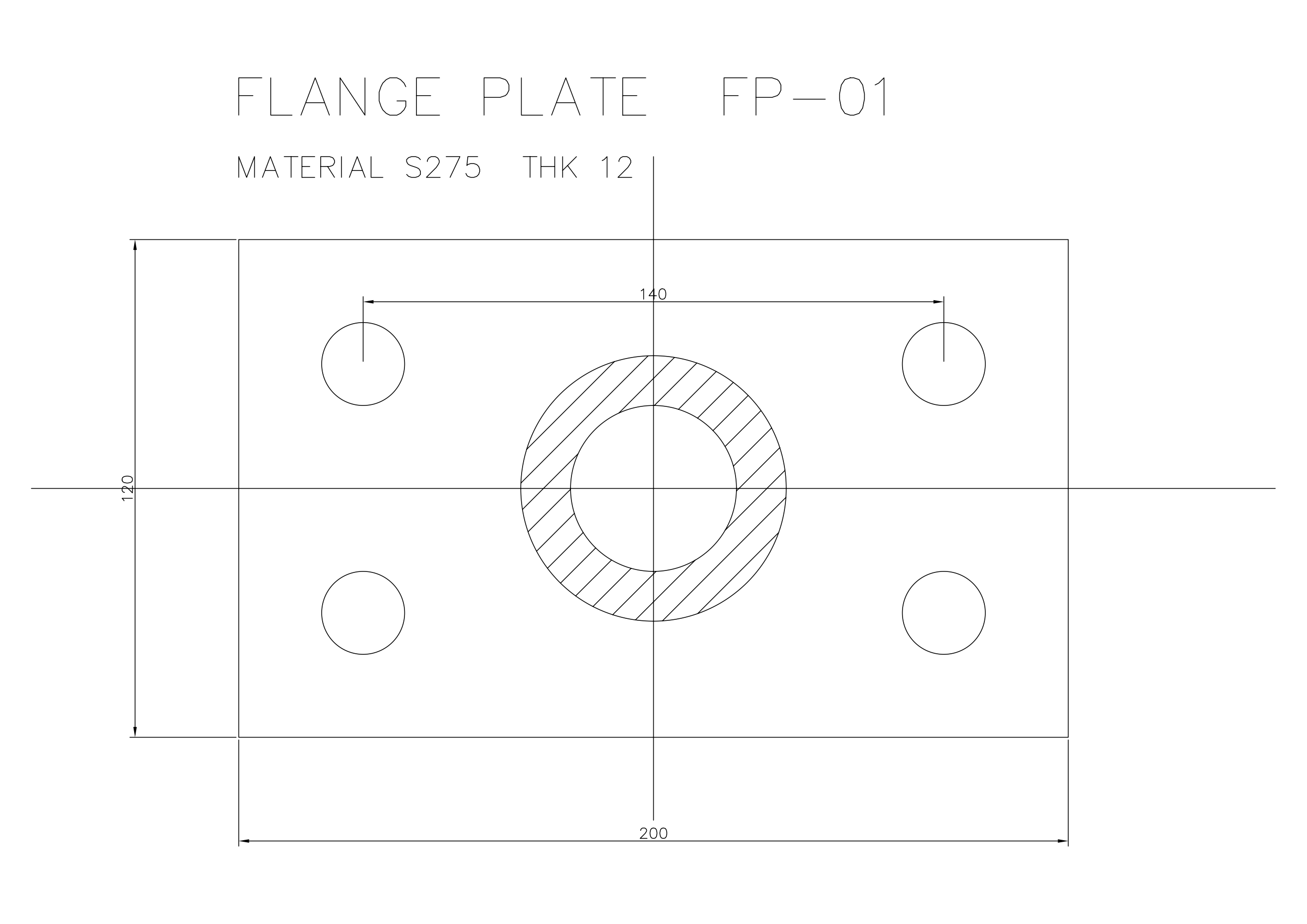
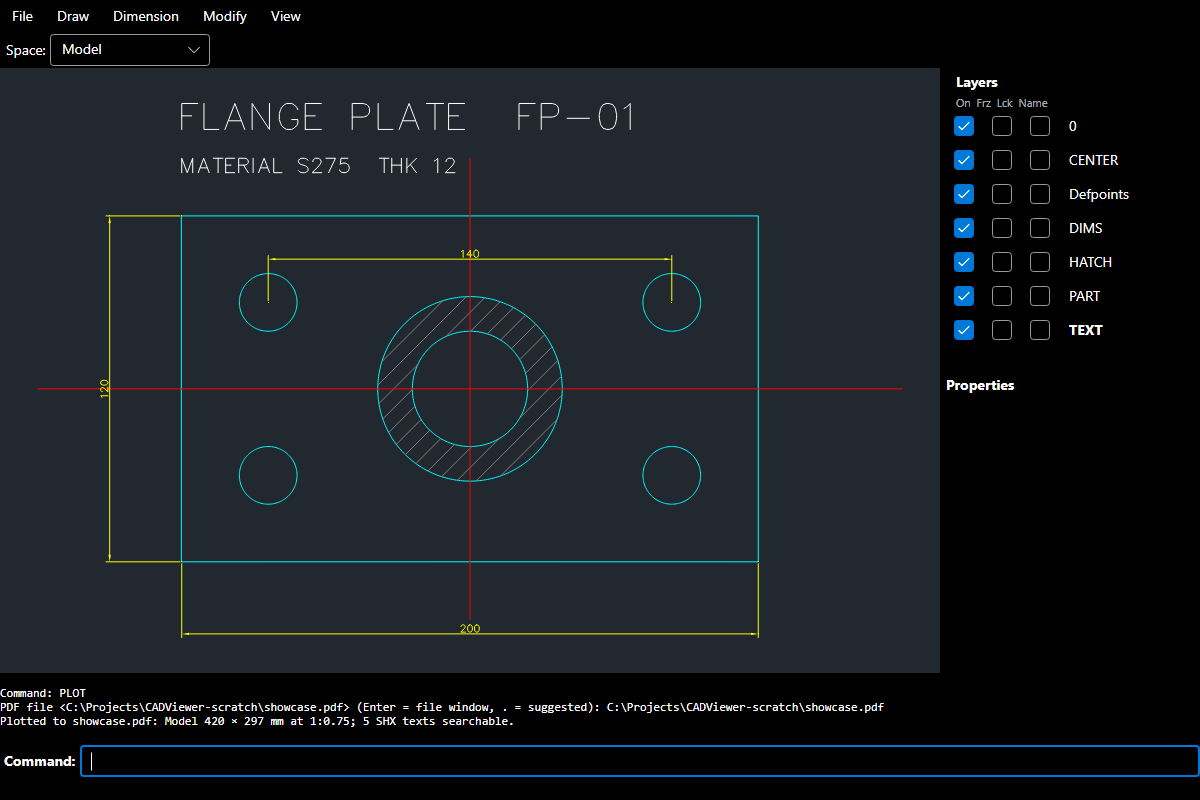
More Windows screenshots (3D part with feature tree, drawing views, web viewer, drawing compare) will be added here.
What it does
2D drafting and editing
- Lines, polylines, arcs, circles, ellipses, splines, multilines, revision clouds, hatches, text and multiline text, tables with formulas, multileaders, every dimension type, geometric and dimensional constraints.
- Move, copy, rotate, scale, mirror, offset, trim and extend, fillet and chamfer, associative arrays, stretch, join, break, express tools, QuickCalc, selection by any property.
- Blocks, dynamic blocks (used and authored: visibility, flip, move, stretch, rotate, scale, array, lookup tables), attributes, block editor.
- Layers with states and filters, layer tools, CAD standards checking, purge and audit, drawing passwords.
3D modelling (Professional 3D)
- Solids: box, cylinder, cone, sphere, torus, wedge; extrude, revolve, sweep, loft, press-pull; union, subtract, intersect; fillet and chamfer edges; face editing; slice; interference check; mass properties.
- Editable parts: every solid remembers how it was made. Change a dimension or a fillet radius later, or switch a feature off, from the feature tree.
- Meshes, surfaces, section planes, X-ray, shaded and hidden views, perspective cameras, lights and render to image.
- Drawings from 3D models: base, projected, section and detail views; hole tables and callouts; parts lists and balloons; dimensions that follow the model when it changes.
- Specialist toolsets: sheet metal (bend, unfold, flat patterns), steel frames and connections (IS 808 and EN sections, end plates, bolt checks), standard fasteners.
Exchange
- DWG and DXF: reads all common versions, saves DWG 2000 to 2018 and DXF.
- PDF import (vectors, text, SHX text recovered), STEP and IGES with part names and colours, IFC import and export with BIM data kept.
- STL, OBJ, glTF and 3MF; point clouds (E57, LAS, XYZ, PTS); GIS data (GeoJSON, KML, GPX, shapefiles, LandXML); HP-GL output.
Deliver and collaborate
- Plot and publish: PDF and PDF/A, CTB plot styles, page setups, batch plot, sheet sets, plot stamps, watermarks, transmittals.
- Compare drawings and revisions; revision management with clouds and the title-block revision and date in one step.
- FireCAD web viewer: drawings in any browser with xrefs, layers, 2D and 3D views, measuring, markups with replies, compare, and search inside drawings and PDF. Nothing to install.
Point clouds and survey
- Laser scans of tens of millions of points shown with level of detail; crop, colour by height, fit planes and cylinders, deviation colouring (walls out of plumb, pipes out of round). Geolocation.
Industry helpers (optional)
- Bar bending schedules (IS 2502, BS 8666, ISO 4066, ACI 315), quantity take-off (IS 1200, NRM2 and others), engineering calculations, nesting of parts on sheets, automatic dimensioning, sheet frames.
Editions
| Feature | Free | Professional | Professional 3D |
|---|---|---|---|
| Open, view, layers, layouts, measure, plot and PDF, 3D views, mass properties | ✓ | ✓ | ✓ |
| Web viewer: markups, review, compare | ✓ | ✓ | ✓ |
| 2D drawing and editing, save DWG and DXF | – | ✓ | ✓ |
| Dynamic blocks, constraints, tables, sheet sets, publishing, standards | – | ✓ | ✓ |
| LISP, scripts, add-ins, Python | – | ✓ | ✓ |
| 3D modelling, drawings from 3D models, STEP and IGES | – | – | ✓ |
- One installer for all editions; the licence key unlocks the edition.
- Licences work offline, with no internet needed. A trial licence is available.
- When a licence ends, KALPA CAD continues as the Free edition, and your files stay yours.
Why teams choose KALPA CAD
| KALPA CAD | Typical DWG programs | |
|---|---|---|
| Native DWG and DXF | Yes | Yes |
| Familiar commands, aliases and command line | Yes | Yes |
| Every save read back and verified, previous file kept | Yes, always | Rarely |
| Licence without internet or sign-in | Yes | Often needs an account or an online check |
| Free viewing edition that never expires | Yes | Varies |
| 2D and 3D in one installer | Yes | Often separate products or tiers |
| Browser viewer with markups and approvals for the whole team | Included | Usually a separate service |
| Runs LISP routines as they are | Yes | Varies |
| Linux | Preview | Rarely |
| Bar bending schedules, take-off, steel and sheet metal tools | Included | Add-ons or separate products |
Built to be trusted
Each release passes an automatic gate: more than 3,200 checks on Windows and Linux, 577 real-use command cases, every one of its 887 commands started, PDF/A files validated, and saved drawings audited by independent CAD software with 0 errors.
Files are saved in the format others expect, so colleagues and clients open them without warnings.
Platforms
- Windows 10 (1607 or later) and Windows 11, 64-bit. 4 GB memory (8 GB for very large drawings). About 76 MB download; nothing else to install.
- Linux (preview): Ubuntu 22.04 and 24.04, and Debian 12, as a .deb package. 2D drawing, editing, saving and plotting.
- Browser: the FireCAD web viewer in any modern browser.
- Languages: English. Spanish, French, German, Brazilian Portuguese, Turkish, Indonesian, Vietnamese, Hindi and Arabic are coming soon.
Try it, or request a licence
The Free edition views and plots and never expires. For a Professional or Professional 3D licence, or a trial licence, write to us with the machine ID shown under Help, Licence in KALPA CAD, and we will send you a licence code. Prices on request.